Unicode often sneaks into messages when you write them in another app and then paste them into the SMS field, whether in CXT or another platform.
When using programs like Word or Outlook, common characters such as ‘and’ may be automatically replaced with stylized Unicode symbols that appear more slanted or decorative.
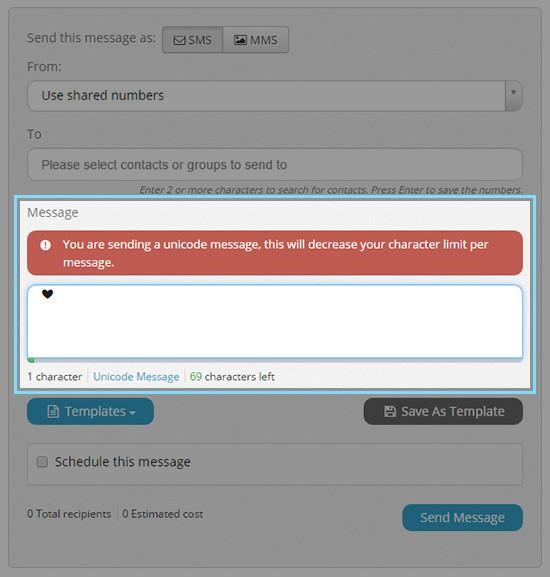
When you send an SMS from CXT that contains Unicode characters, a warning will appear saying ‘This is a Unicode message’. To dismiss it, simply remove the Unicode characters from your message, which will then automatically close the waring box.
Helpful hint : To avoid Unicode issues, paste your SMS content as plain text.